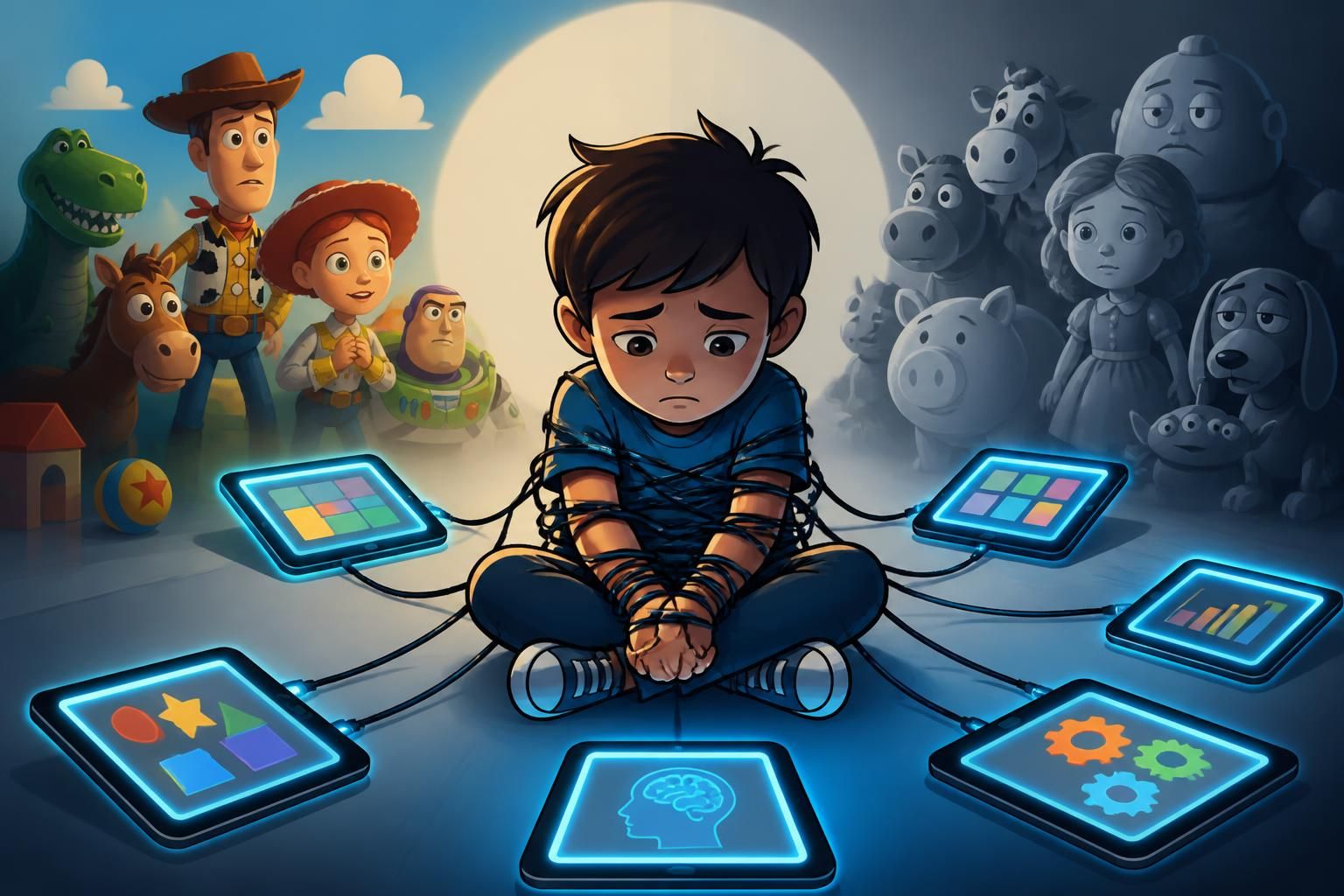
“The captive child, not necessarily creative”: an analysis of “educational” tablets through the lens of Toy Story 5
In Brief
- On June 17, 1999, Toy Story 2 was released in cinemas and firmly established a simple idea: a toy lives when the child truly plays, not when they repeatedly press “next”.
- Educational tablets promise digital learning, autonomy, and creativity, but they can also create a captive child when the design relies on quick rewards.
- “Kids’” screens are not neutral: content choices, data collection, advertising, and personalization weigh on children’s culture and media influence.
- Critical analysis benefits from distinguishing the tool (creation) from the device (consumption) and from considering time, context, and support, not just the “app”.
- A practical rule works better than guilt: short slots, active use, and off-screen alternatives to keep control over the impact of screens.
In 2026, the “educational” tablet has established itself as the high-tech comfort toy for busy families: it promises letters, numbers, colors, and, as a marketing bonus, a calm child. The problem is not the existence of the screen, but the way it captures attention and transforms the child into a dedicated user, sometimes a captive child, with a design more like a machine to “stay inside” than a tool for exploration. This is where the Toy Story 5 prism becomes useful, even before needing a cinephile debate: the saga has always contrasted lively, improvised, embodied play with the object put under glass or assigned a single function. Educational tablets navigate between two incompatible promises: on one side digital learning and educational technology, on the other a logic of continuous engagement inherited from platforms. Between the two, creativity does not always have the space that is sold to us.
This critical analysis does not aim to turn parents into Wi-Fi air traffic controllers. Rather, it wants to look at what actually happens: how an app guides a gesture, how a reward replaces an idea, how “adapted” content becomes a loop. Discussions on the impact of screens quickly get bogged down in morality or panic. Here, the angle is simpler: is the child making something, or consuming a path designed for them? Toy Story 5, with its imaginary toys seeking their place, allows us to ask a very down-to-earth question: who holds the game controller, the child… or the interface?
Educational tablets and “captive child”: what Toy Story 5 helps identify in educational technology
In the Toy Story universe, a toy is not “better” because it blinks, talks, or connects. It is precious because it triggers an invented scenario, a diversion, a makeshift creation. This filter is useful to understand why some educational tablets produce a paradoxical impression: the child seems focused, but the activity remains poor in initiative. The interface proposes, the child validates. The result can be a captive child, very well-behaved, very quiet, very… occupied following a track.
The word “captive” does not mean “constantly hypnotized.” It describes a situation where usage is difficult to stop because everything is designed to prolong the session: progression to complete, immediate reward, characters who congratulate, and sometimes a little “one more exercise” music. In Toy Story 5, the question of the place of objects in children’s lives refers to this tension: an object can support play, or replace it. On a tablet, the boundary is visible in the type of actions offered: drag-and-drop to “succeed,” or create a personal solution.
Instrument, tool, device: a simple framework to avoid the trap of “it’s educational so it’s perfect”
In educational sciences, distinguishing instrument, tool, and device helps clarify what is at stake. A tablet can become a tool when it allows production: recording a story, drawing a map, composing a rhythm, filming an experiment. It becomes a device when it imposes a closed path, where the child performs micro-actions planned by the design. The same screen can do both, depending on the application and the framework.
This distinction avoids a common confusion: “if the app says it teaches reading, then it’s learning.” A child can learn, yes, but not necessarily what we think. They can learn to click quickly, seek the reward, wait to be told “well done,” or avoid errors by following a visual clue. It is digital learning, but not always the kind that nurtures creativity.
Concrete examples of signals that transform use into captivity
Some signs can be spotted without a degree in UX design. A missing timer, infinite levels, animations blocking the exit, or a badge system accumulating endlessly. Another signal: the multiplication of “unlocked” content by time spent. At that moment, the child is not just playing, but “grinding,” like in a video game, except they were sold a digital workbook.
For parents, the trap is practical: the quiet is real, and so is the freed-up time. Toy Story 5, in the background, reminds us that play is also noise, mess, moved objects. An educational tablet that produces only silence can be a sign that the activity is mainly passive, even if the child touches the screen every three seconds. This gap is a useful warning point when talking about the everyday impact of screens.
Creativity and digital learning: when the “educational” tablet mostly produces consumption
Creativity in children is seen when they combine elements to do something other than planned: turning a cardboard box into a spaceship, inventing a rule, mixing characters. On an educational tablet, this space depends on an editorial choice: does the app let the child decide, or does it guide them to the “right” answer? Many products aimed at 3-8 years old prioritize certainty and reward. This is reassuring for adults, but it narrows the margin for invention.
Exercises like “connect,” “classify,” “count” can be useful. They become problematic when they make up most of the experience and replace free play. The child completes short tasks, gets confetti, moves to the next level. The tablet does not make a frustrated artist; it often makes a user trained to validation. This nuance matters in critical analysis because it explains why some children ask for the tablet without being able to explain what they “did.”
What really stimulates creativity on screen (and what blocks it)
Creative activities on screens exist: free drawing with varied brushes, simple stop-motion, audio editing, comic creation, basic visual coding. These uses require more effort and sometimes produce fewer automatic “wells done.” They also require longer time: starting over, erasing, testing. Too “gamified” applications often break this rhythm by imposing a reward every ten seconds.
A simple indicator: does the child come out with an object to show (a drawing, a mini-film, a recorded story), or only a score? The score can motivate, but if it becomes the goal, the child stays in a performance logic. Creativity feeds on failed attempts. An environment that punishes error with a buzzer and an immediate “try again” reduces risk-taking.
The case of “edutainment apps”: learning yes, but learning what exactly
Edutainment apps often claim school objectives: letters, phonology, numeracy. They can support automatisms, especially if the child likes the format. The risk is confusing conformity and understanding. Recognizing a letter by pressing the right button is not reading. Counting moving apples is not constructing a concept of number, especially if the child follows visual clues.
To make digital learning more solid, simple practices help: verbalizing off-screen (“explain how you found it”), repeating an activity with real objects, or turning digital results into physical play (drawing the letter on the floor, building the number with blocks). This hybridization limits the “everything is on screen” effect and reduces the risk that the tablet becomes the only playground. Children’s culture is built in interactions, not just content.
Animated films have often served as a mirror to domestic habits. The Toy Story saga, in particular, reminds us that imagination is also passed on through simple objects: figurines, stuffed animals, boxes, costumes. An educational tablet can feed this imagination if it is used to produce (draw a character, record a voice, invent a scene). It impoverishes it if it imposes looped consumption, even with “cute” colors and mascots.
Screen impact and attention design: what the interface does to the brain… and family life
Talking about screen impact without talking about design is like commenting on a match without watching the ball. An educational tablet is not a blank sheet: it is a product with interface choices, rhythm, sounds, colors, and sometimes monetization. Children, especially the youngest, do not have the same defenses as adults against stimulation. Their attention fixes on what moves, what sounds, what promises a reward.
In family life, this translates into very concrete scenes: difficulty stopping, endless negotiation, frustration when the session ends, and sometimes slower return to calm. The issue is not “the screen makes you crazy.” It lies in the gap between an activity that ends naturally (a finished puzzle) and one that restarts by itself (next level). The child does not need to be “addicted” in the clinical sense to be caught in a loop.
The role of notifications, rewards, and “infinite-scroll” paths adapted to children
On some apps, the child receives badges, stars, chests to open. The mechanism is similar to free games: reward the minimal action to maintain engagement. On an educational tablet, the vocabulary changes (“well done,” “you’re progressing”), but the architecture can remain identical. This is a central point in critical analysis, as it concerns the quality of experience more than displayed content.
A preschool child does not need 40 levels to learn shapes. They need to manipulate, compare, make mistakes, start over, then generalize in real life. When the app adds progression layers, it often serves a product goal: give the impression of richness and prolong usage. Parents see a “complete program” when sometimes it is a treadmill.
Time, context, support: three variables that change everything without turning the home into a classroom
Time is the easiest variable to adjust. A short and stable slot avoids long sessions that leave the child overexcited or cranky. Context also matters: a tablet at the table, in a bedroom, or in a living room does not have the same symbolic role. In Toy Story, toys live in a shared space, and this is a useful idea: making the screen visible helps keep social usage rather than hidden.
Support does not mean “monitoring.” It means putting words: “what are you making?”, “show what you did,” “let’s do the same with sheets.” An educational tablet that lends itself to this dialogue is often more interesting than an app that chains exercises without traces. Educational technology then becomes a support, not a disguised babysitter.
In an interview and widely disseminated work on screen use, psychiatrist Serge Tisseron emphasizes the importance of mobilizing the senses and the “ten fingers” rather than delegating everything to touchscreens. This idea does not aim to ban screens but to avoid the child confusing experience and simulation. Educational tablets that encourage movement, off-screen manipulation, or drawing on paper in parallel limit the risk of purely seated and repetitive use.
Data, cookies and media influence: what educational tablets say about children’s culture
An educational tablet is not just a screen displaying letters. It is often a gateway to an ecosystem: user account, app store, recommendations, and sometimes advertising. Even when the child uses “non-personalized” content, the digital environment relies on privacy parameters and data collection choices. Cookie consent pop-ups, common on online services, sum up the issue well: accepting “all” can activate personalization, audience measurement, and advertising uses; refusing limits some processing while maintaining basic functions like security and service continuity.
This mechanism is not anecdotal in a critical analysis of educational tablets. Children’s culture is also shaped by recommendations: what is highlighted, what is offered “after,” what is presented as trendy. Media influence no longer passes only through television. It goes through interfaces that guide toward a video, a game, a series of exercises, and that turn occasional use into a habit.
What “personalization” concretely means in children’s use
Personalization can improve an experience: offer an adapted level, limit inappropriate content, or adjust the language. It can also create bubbles: the child always sees the same type of game, same style of characters, same rewards. The effect is subtle. It results in narrowing tastes and reduced exposure to variety.
Parents often have little time to set up settings. Yet settings exist: disable history, cut in-app purchases, limit automatic recommendations, impose airplane mode outside downloads, and choose apps that work without an account. These steps are not glamorous but they reduce commercial pressure. In Toy Story, the temptation to put toys “in a showcase” well reflects this logic: the object becomes a product to circulate, not a free play support.
Comparison table: spotting a product as a “creative tool” versus a “consumption device”
| Measurable criterion | Tablet used as a creative tool | Tablet used as a consumption device |
|---|---|---|
| Traces produced in 20 minutes | 1 to 3 exportable creations (image, audio, mini-video) | 0 export; internal progression only (levels, stars) |
| Activity exit | Visible quit button, penalty-free stop | Automatic restart, “one more,” blocking animations |
| In-app purchases | None, or locked by parental code | Paid unlocks, virtual currencies, integrated store |
| Offline mode | Largely works offline after download | Frequent connection required for content/recommendations |
| Observed “standard” session time | 10 to 25 minutes with a finished goal (project) | 30 minutes and more, endless activity |
The above framework is not a scientific test, but it helps objectify a feeling. A parent can observe over a week: are there productions to show? Does the child talk about what they invented, or only the level reached? The answer sheds light on the real place of creativity, without getting lost in marketing slogans.
Choosing and supervising an educational tablet in 2026: practical practices, applied without morality
An educational tablet can be useful, but it requires a framework, otherwise it creates one instead of adults. Families often look for a simple solution: keep busy intelligently. The “intelligent” criterion is played out in actual use: alternation, adult’s role, variety of activities, place for physical play. Toy Story 5, subtly, reminds us that imagination needs material: toys, cardboard, markers, cushions, costumes. A screen can integrate into this set if it does not become the only stage.
App choices matter, but organization matters more. A child who knows when the screen comes and when it stops often protests less because the rule becomes predictable. The same content used on demand can generate endless negotiations. The goal is not to win an arm-wrestling match. It is to keep usage in its place during the day.
List of settings and habits that reduce the “captive child” effect
- Set a stable and short slot (for example 15 to 25 minutes), with a visible external timer.
- Choose at least one creative activity per week (free drawing, audio, simple stop-motion) that leaves a production to share.
- Enable a parental code for downloads and in-app purchases, and check app permissions.
- Prefer content usable offline after installation to avoid the spiral of recommendations.
- Place the tablet in a common area of the home, not in the bedroom, to maintain social and visible use.
- After screen time, offer an off-screen “bounce” related to the content (draw the seen character, replay the scene with figurines, make a cardboard set).
- Avoid apps that multiply badges and chests if the child already struggles to stop a session.
Examples of hybrid activities inspired by children’s culture and Toy Story
An animated film often makes you want to play again. The tablet can be used to record a voice-over for a scene played with figurines, then film with a fixed shot. Another simple activity is to draw a storyboard on paper, then take a photo of each frame to make a narrated slideshow. Digital becomes an editing tool, not a stimuli distributor.
For school learning, the tablet can support a brief session, followed by moving to the real world: counting kitchen objects, sorting buttons, writing letters in flour. This responds to a frequently recalled recommendation by Serge Tisseron: children need to engage their hands, body, senses. Educational technology then becomes one step among others, and screen impact is mechanically limited by the diversity of situations.
What do we say about it?
Educational tablets are worth it mostly for what they allow to create, not for what they make consume, and Toy Story 5 provides a very clear benchmark to distinguish the two. An app that leaves an exportable trace and stops easily reduces the risk of a captive child, even if the screen remains attractive. Families benefit from favoring short, visible, and hybrid uses, because this framework reduces stopping conflicts and protects daily creativity. When a tablet promises “autonomy” but relies on infinite rewards, the product is often designed to hold attention more than to teach.
At what age does an educational tablet make sense?
The most useful benchmark is not a unique age but the ability to use the screen with a finished goal: listen to a story, draw, record a voice. Before primary school, the most relevant uses remain short and accompanied. A tablet becomes more interesting when it is used to produce (drawing, audio, photo) rather than to chain endless exercises.
How to spot an app that promotes creativity?
A creative app offers real choices (colors, shapes, scenarios), accepts errors without penalizing, and allows exporting a result (image, sound, video). It often offers a free space, not just levels. A good test is to check if the child can show a production after 15 to 20 minutes, without talking about the score.
Do “non-personalized” contents fully protect the child?
No. Non-personalized content limits some data usages, but the child remains exposed to editorial selection, contextual recommendations, and attention designs. Protection also involves settings (in-app purchases, history, account), offline mode when possible, and a clear time frame to avoid stretching sessions.
What to do if stopping the tablet triggers a tantrum every time?
The first lever is predictability: fixed slot, external timer, and announced end of activity from the start. The second lever is content: avoid infinite-level apps and prefer those that end naturally. An off-screen “bounce” related to what was done (drawing, role-playing, building) also helps to shift without feeling of loss.